


Set your teaching week
Publish the hours you teach once, and let the schedule enforce them.
Availability settings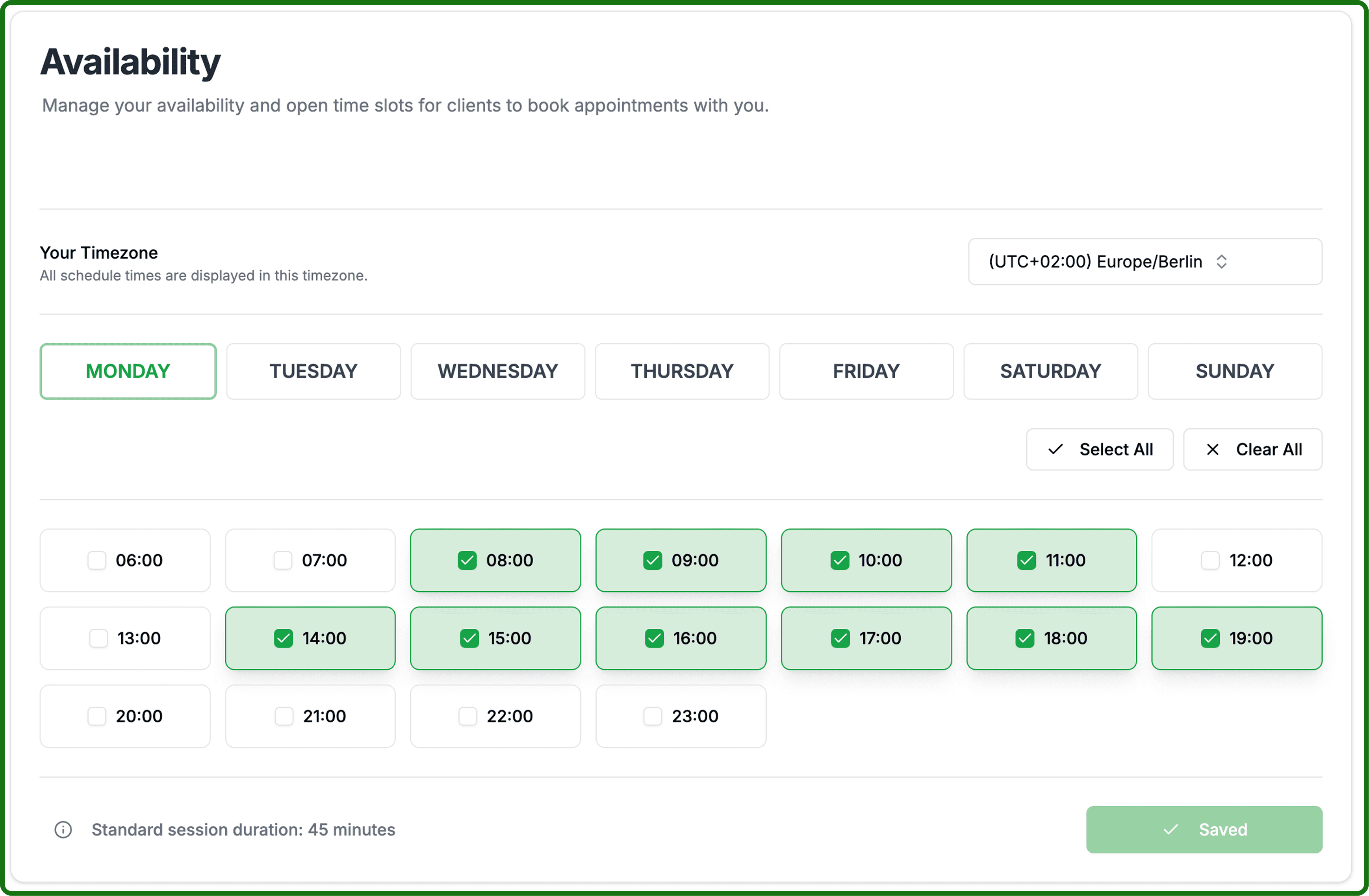
Your teaching week is a weekly pattern: the hours you are open on each weekday. It repeats until you change it, so this is a job you do once rather than every week.
Open your availability settings and confirm your timezone is correct.
Availability settingsPick a weekday and set the hours you teach on it. Each day shows how many slots it currently holds, and days you do not teach are marked off.
Use the quick-set presets if your week is regular — work hours, mornings or evenings — then adjust individual days.
Save. Your public page updates immediately, and players see the new hours in their own timezone.
A published slot can be booked instantly. If you are unsure about an hour, leave it out — adding hours later is easy, cancelling a lesson a player has already booked is not.