


Share your public profile
Your link, a shareable image with a QR code, and a custom message.
Profile settings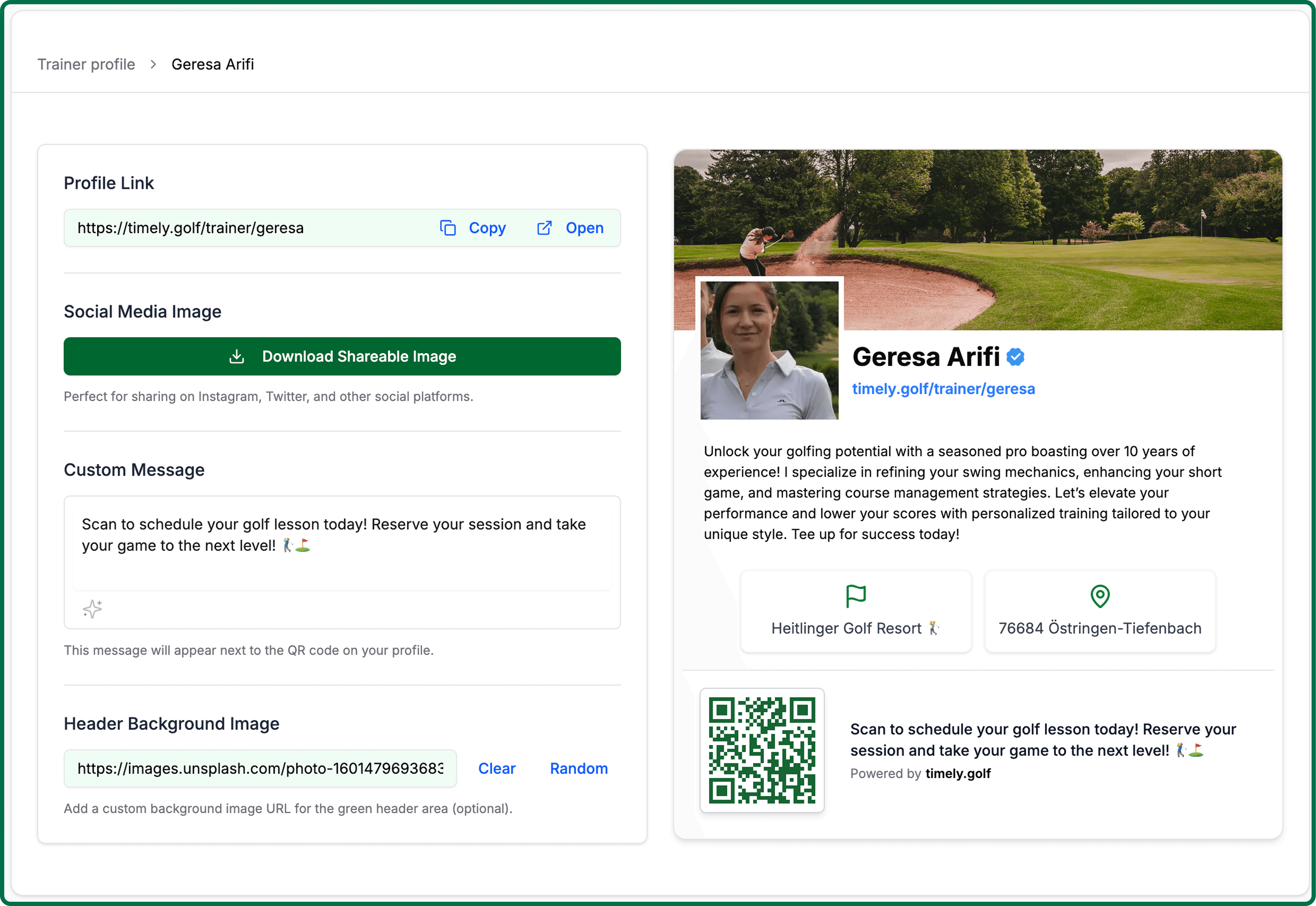
Open your profile settings and choose the share option — the share screen opens with your profile already loaded.
Profile settingsCopy your profile link for emails, messages or your own website. Preview it first to see what a player sees.
Download the shareable image — sized for social, with your photo and a QR code — for posts, a noticeboard at the club, or the back of a card.
Set a custom message to sit beside the QR code, telling people what scanning it does.
Optionally add a header background image to the top of your public page.