


Set up your public profile
The page a player decides from, and books on.
Profile settings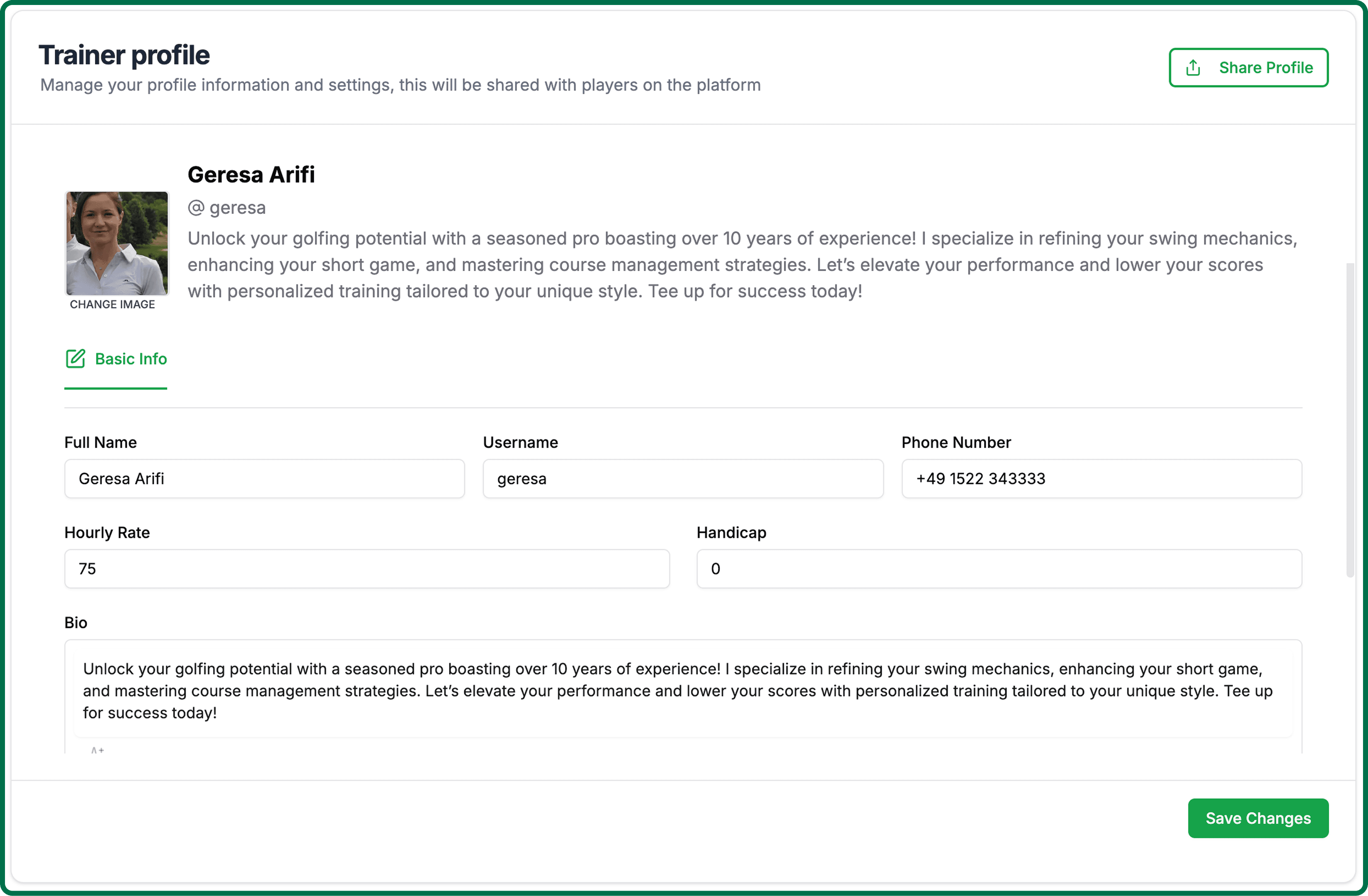
Your public profile is not a brochure with your phone number on it — it is the page players actually book from. It is worth twenty minutes.
Open your profile settings.
Profile settingsUpload a photo of yourself. A real face is the single biggest difference between a profile that converts and one that does not.
Set your name and username. Your username becomes your booking link, so pick one you are happy to say out loud.
Add your club, the languages you teach in, and your hourly rate.
Write your bio in your own words — how you coach, who you coach, what a lesson with you is like.
Save.
Your profile appears in the coach directory once it is complete and you have published a teaching week. Both matter: a coach with no published hours cannot be booked.